Why does my AI agent cost more on each turn?
Trace repeated context, large tool results, cache misses and retries before choosing a cost fix.
By OlypsisUpdated 3 minute read
Overview
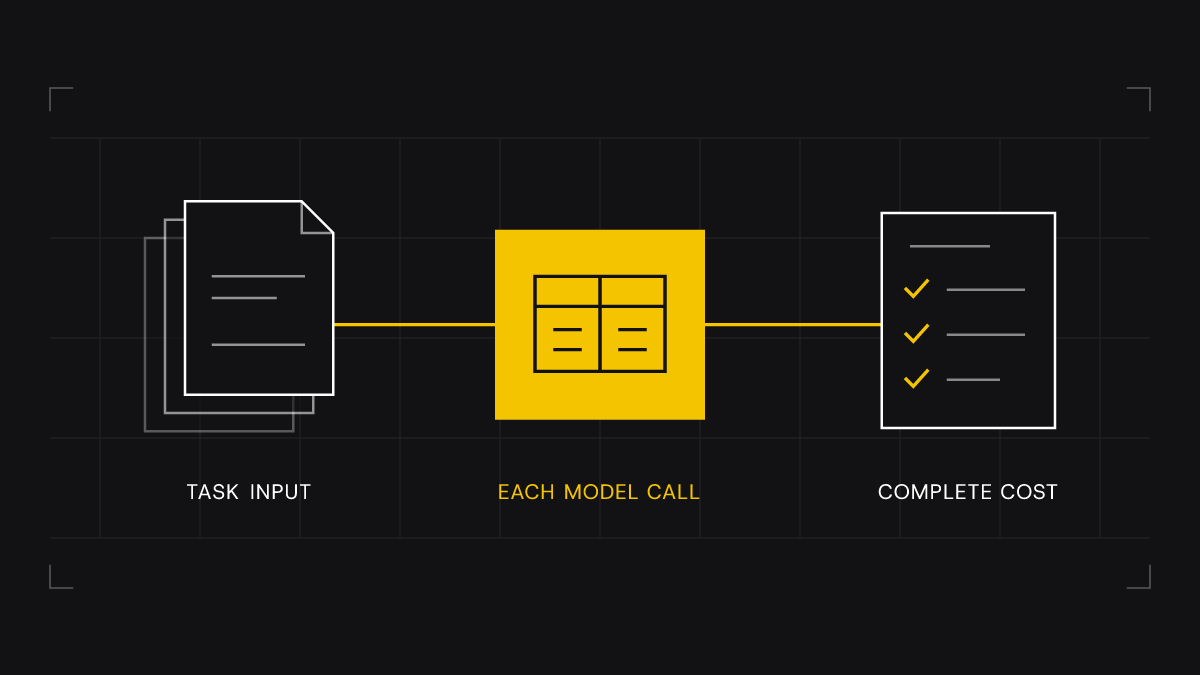
One answer can take several paid model calls. Each call may read the earlier chat and tool results again. Count the tokens and cost at each step of a full task. Compare that with the same kind of task that costs less.
Follow one task from start to finish
Choose one costly task and one routine task of the same kind. Follow each model call, tool call and retry until the task ends. The price of one API call can hide the cost of the full answer.
Keep a row for each model call. Note its place in the task, model, tokens, cost, time and outcome. Check what each tool returned. Did the next step use it? Keep private content in traces with strict access rules. The cost log can hold counts and IDs without copying prompts or client records.
Use the totals from that trace in the agent cost calculator to see which part of the bill deserves a closer look.
Separate the symptoms
| What you see | What to check | First experiment |
|---|---|---|
| Input grows after a tool call | The payload sent back to the model | Remove duplicated fields in the model-facing copy |
| Similar input is billed again | Cache reads, writes and the exact shared prefix | Test reuse on repeated calls |
| More calls for the same task | Retries, repeated searches and unclear stop rules | Fix one repeated step and replay the task |
| Cost grows while tokens stay flat | Model, context tier and billing rates | Reconcile usage with the provider invoice |
Inspect what the model actually receives
A tool may return more than the next step needs. Look for copies of the same data, unused fields, long lists and too many decimal places. Measure the text sent to the model. The database row or app screen alone will not show you that input.
Keep IDs, units, dates and fields needed for the answer. Check the trimmed result against the tool’s rules. Keep the full source for parts of the app that need it.
The Thesis Finance cost case shows how payload changes and caching were tested together in an offline replay.
Check the bill for actual cache reuse
A repeated prompt may be worth caching. That alone does not prove a cache hit. Check the usage counts. Keep cache reads, cache writes and uncached input separate. Apply the rate for each. If cached tokens are part of the reported input total, do not count them twice.
Check the provider’s rules for matching the prompt, length and cache lifetime. A value that changes near the start can limit reuse. A cache write that is never read can add cost.
For one provider's concrete rules and usage fields, see Anthropic’s prompt-caching documentation. Apply the rules for the model and provider you actually use.
Change one cause and compare complete tasks
Save the baseline before changing the prompt, tool output or model. Replay the same tasks. Compare the useful results and inspect failures. Count the cost of each retry. A cheaper call that adds another round of work may be a poor trade.
Before choosing a fix, name the costly step. State what the next step needs. Then show how you will check that the change keeps it.
Next, decide whether to trim context or change models based on what the trace shows.
Have a project in mind? Tell us what you’d like to improve, and we’ll help you work out where to start.
Book a call